
Kaleider TV1.9.2 - Get APK
You'll be able to download in few seconds.
Publisher Description
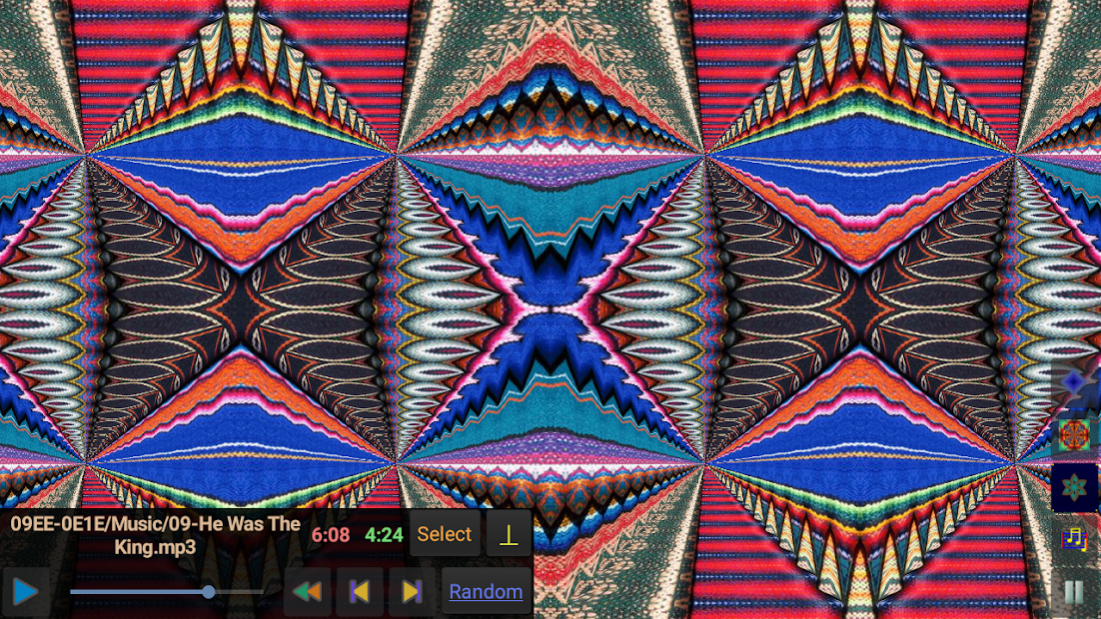
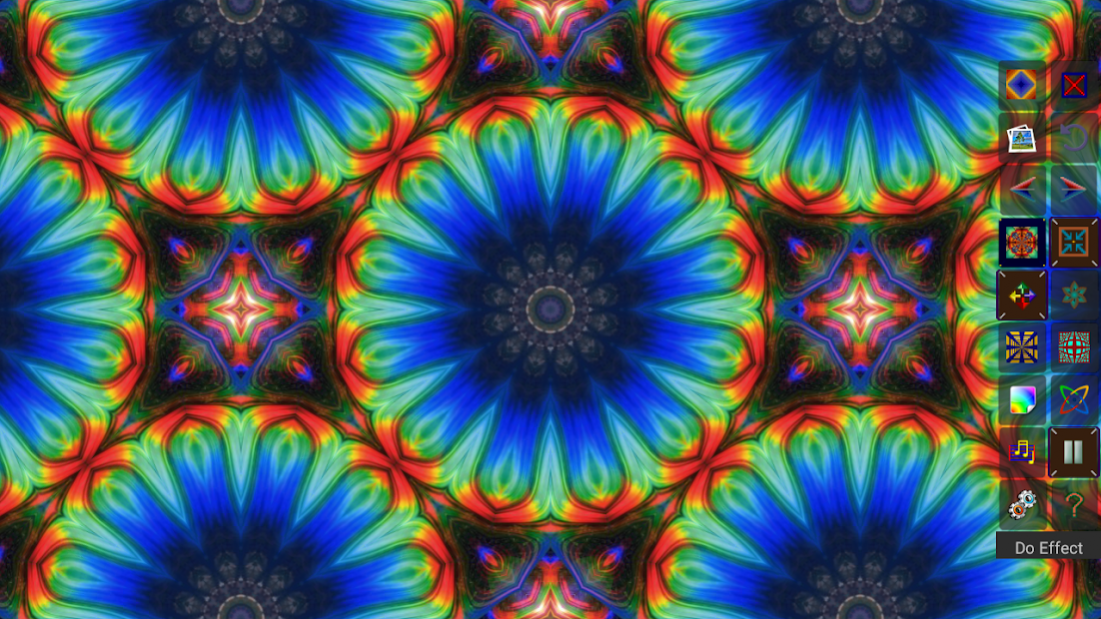

Kaleidoscopic mirroring effects can be rendered and then shifted around the screen, either automatically or manually. Auto Effects can be activated to continuously generate effects with random motion. These visuals can be accompanied by music from the built-in Music Player, which can play audio files stored on the Android TV device.
The primary features of
Kaleider TV
are briefly summarized below:
** Render Effects - Instantly generate a random effect, or select a particular effect from among the 113 included varieties (12 Kaleidoscopes, 41 Rectangular Mirrors, 33 Diamond Mirrors, 44 Triangle Mirrors, 11 3D Mirrors and 16 Funnels). The previously rendered effect can be re-rendered with the same parameters at its original position, and it's also possible to re-render the last effect with random variations.
** Shift Effects => The Arrow keys can be used to Shift Effects to different positions within the source image.
** Wander Effects => Wander can be activated to apply continuous automated motion to effects.
** 3D Rooms - Exhibits patterns in 3D perspectives, covering the walls, ceilings and floors of various Rooms. The Rooms can be navigated via keyboard commands, or automated Roaming motion can be activated.
** Non-Flat Surfaces - Maps effect tiles onto a variety of curved surfaces, resulting in non-linear distortions of the patterns.
** Colors => Progressively shifts the colors of effect pixels according to selectable methods.
** Auto Effects => Continuously generates random effects, periodically changing the source image. Wandering motions and Colors might also be randomly activated depending upon configured options.
** Music Player => Kaleider TV effects can optionally be accompanied by music chosen from the audio files stored on your device.
** Options => Buttons are available to quickly perform most actions. The appearance of buttons can be toggled off to allow more screen area for displaying effects. Settings can be configured to control Appearance, Rooms, Surfaces, Colors and Auto Effects.
About Kaleider TV
The company that develops Kaleider TV is Whizical. The latest version released by its developer is 1.9.2.
To install Kaleider TV on your Android device, just click the green Continue To App button above to start the installation process. The app is listed on our website since 2020-10-02 and was downloaded 0 times. We have already checked if the download link is safe, however for your own protection we recommend that you scan the downloaded app with your antivirus. Your antivirus may detect the Kaleider TV as malware as malware if the download link to com.whizical.kaltv is broken.
How to install Kaleider TV on your Android device:
- Click on the Continue To App button on our website. This will redirect you to Google Play.
- Once the Kaleider TV is shown in the Google Play listing of your Android device, you can start its download and installation. Tap on the Install button located below the search bar and to the right of the app icon.
- A pop-up window with the permissions required by Kaleider TV will be shown. Click on Accept to continue the process.
- Kaleider TV will be downloaded onto your device, displaying a progress. Once the download completes, the installation will start and you'll get a notification after the installation is finished.
Program Details
System requirements
Download information
Pricing
Version History
version 1.9.2
posted on 2020-10-02
Kaleider TV 1.9.2 fixes a few minor glitches.
version 1.9.1
posted on 2020-09-29
Kaleider TV 1.9.1 fixes a glitch with scaling equilateral triangle based Kaleidoscopes and Funnels.
version 1.9
posted on 2020-03-16
> The effect rendering routines have been entirely rewritten to enhance efficiency. The app now uses less memory, and performance should be somewhat faster and more reliable on most devices.
> The 7 controller button can now be clicked to toggle between showing the full panel of controls, the minimal panel of controls and no controls.
version 1.8.2
posted on 2019-10-24
* Tightened up error checking to hopefully avoid crashes that could occur in some situations.
* A Privacy Policy has been included, which can be displayed from the app's Help function.
version 1.8
posted on 2019-06-21
* The Image Selection process now includes a Select Gallery Album option, which provides a list of Gallery folders to choose from. The Select Directory option should now exclude most unwanted images.
* Now, when an image is chosen using the Gallery app, the Album that the image belongs to will become the current Image Source for the Kaleider TV app.
* An Include Bubbles option has been added to Room Options. Un-check it to remove floating Bubbles from the 3D Rooms.
version 1.2
posted on 2017-03-01
* The interface has been redesigned.
* Added 3D Rooms and non-flat Surfaces.
* The Image Selection process has been improved.
* A Motion Control feature has been added to allow adjustment of the speed and smoothness of automated Wandering and Room Roaming> actions.
version 1.1
posted on 2016-07-19
The most common functions can now be conveniently performed using the remote control numeric buttons.,The sizing and positioning of effects has been improved to better adjust to different screen sizes.,Now, when an Image Directory is selected, only directories that contain images will be listed, along with counts of the images stored within.,An Audio Directory can also now be selected from a list of directories that contain audio files.
Disclaimer
External Download
We do not host Kaleider TV on our servers. We did not scan it for viruses, adware, spyware or other type of malware. This app is hosted by Galad and passed their terms and conditions to be listed there. We recommend caution when installing it.
The APK Download link for Kaleider TV is provided to you by apps112.com without any warranties, representations or guarantees of any kind, so access it at your own risk.
If you have questions regarding this particular app contact the publisher directly. For questions about the functionalities of apps112.com contact us.
